WordPress Tutorial for Beginners 2023 | How to Make a WordPress Website for Beginners
Check on YouTube
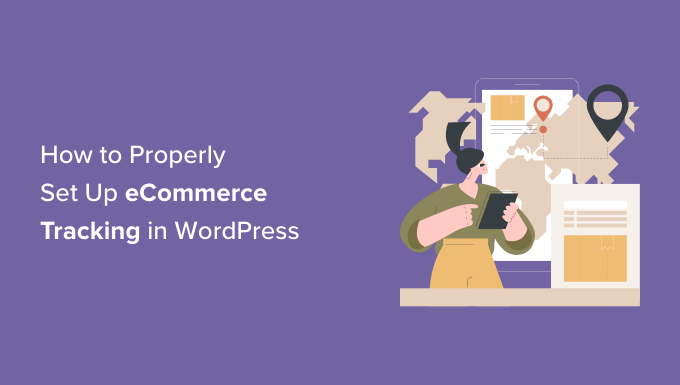
Are you looking to set up eCommerce tracking in WordPress? Setting up eCommerce tracking for your online store will help you find your top-selling products, see which campaigns perform the best, understand how people find and use your website, and more. Then you can use those insights to get more traffic and boost sales. In …
How To Properly Set Up eCommerce Tracking In WordPress 더 보기 »
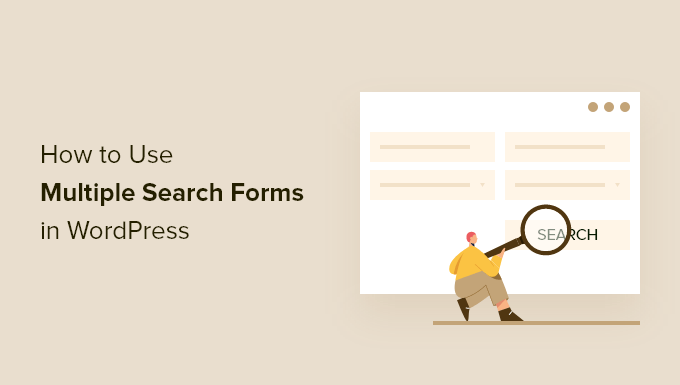
Do you want to make multiple search forms in WordPress? By default, a search form will look through all your pages, posts, and media on your website. However, you can often improve the visitor experience by creating multiple forms that search specific categories, content types, and more. In this article, we will show you how …
Are you wondering about the best way to handle old posts in WordPress? Over time, some of your content may become outdated, irrelevant, or inaccurate. This can lead to a bad user experience and a drop in your site’s SEO rankings. In this article, we will discuss whether it’s better to keep or delete old …
Should You Keep or Delete Old Content in WordPress? (Expert Opinion) 더 보기 »
Are you wondering how to add push notifications to your WordPress site? Push notifications let you send messages to users even when they are not on your website. This helps you bring back users to your website, increase traffic, and make more money. In this article, we will show you how to easily add web …
How to Add Web Push Notifications to Your WordPress Site 더 보기 »
Email marketing is a crucial tool for businesses. It’s a chance to connect with your customers on a more personal level through owned media. Even more impressive is that you can earn $36 for every dollar spent on email marketing. That’s a massive 3600% ROI. But where does WordPress come in? Beyond content management, WordPress …
How to Measure WordPress Email Marketing Campaign Success 더 보기 »